

NoriWatch
Your own video library, straight from your NAS.
NoriWatch connects to the SMB shares already on your network and plays what's there. No media server to install, no library to import, no account to create.
Everything in its place
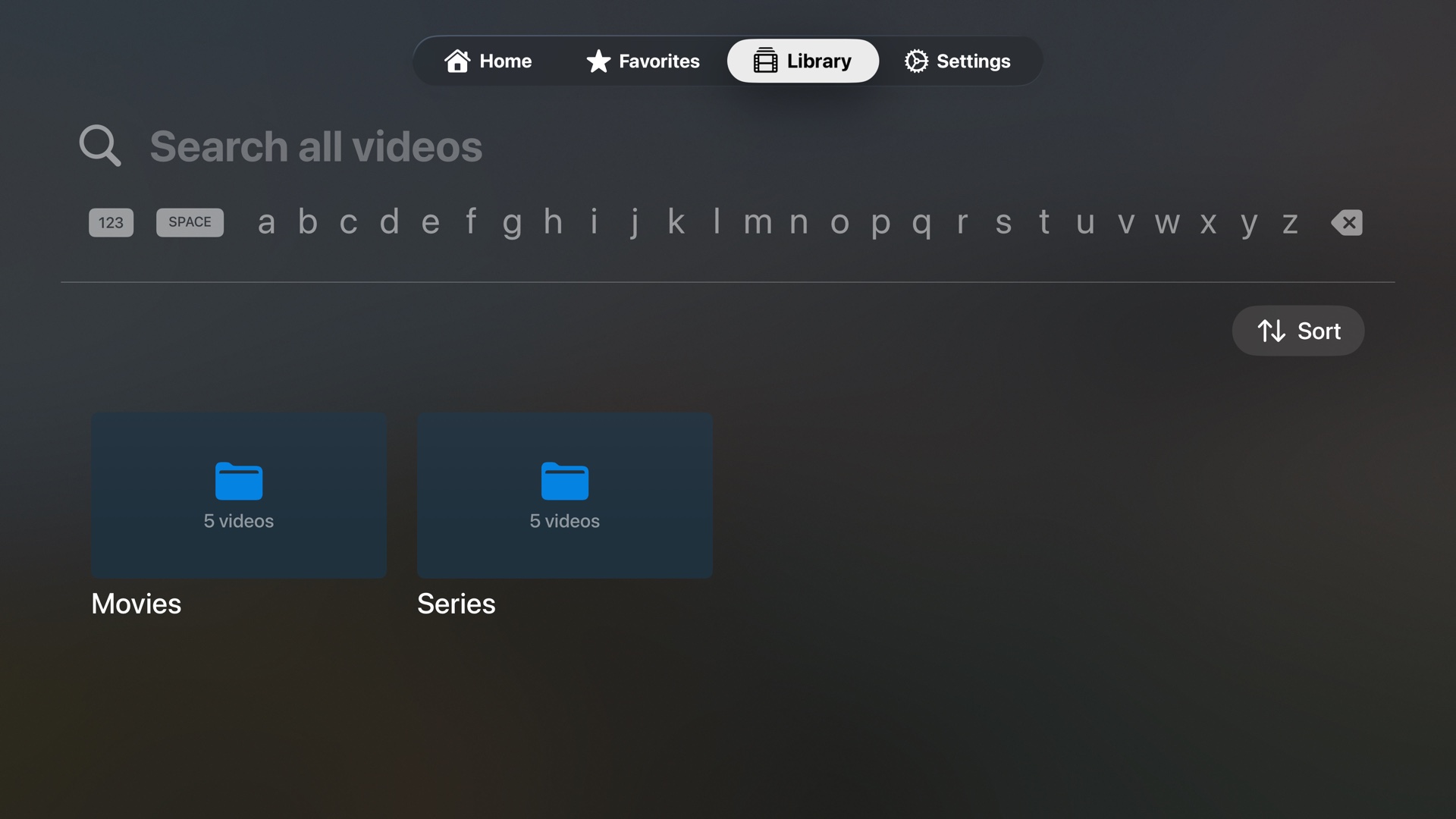
Your library, ready to watch.
Browse your shares by folder just as they're organized on disk, search across every video at once, and sort a folder however you like. Nothing is renamed, moved, or reorganized. NoriWatch reads your library, it doesn't take it over.
Keep the story going
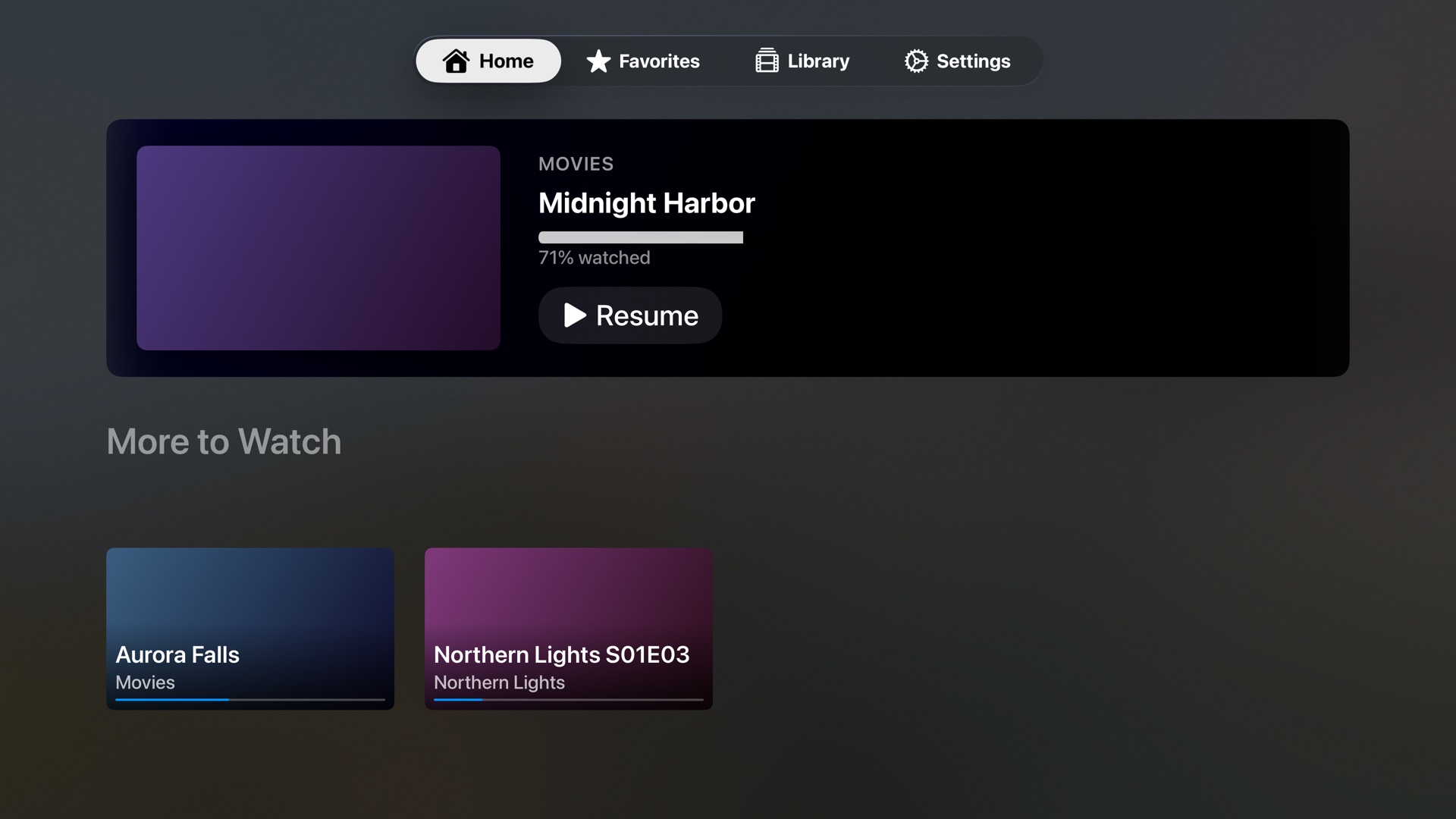
Continue watching from the sofa.
Every video remembers where you stopped, so the home screen opens on whatever you were in the middle of. Progress, favorites, and your subtitle and audio choices ride along on your own iCloud account.
What's in it
Plays from SMB
Connects to the shares on your NAS, Mac, PC, or Linux box. Shares you add appear on your other Apple TVs, where you enter the password once.
Resume anywhere
Watch progress syncs through your iCloud account, and through an encrypted file on your own share when you'd rather skip iCloud.
Favorites
Keep the things you're working through in one place instead of digging back into folders.
Remembers your tracks
Subtitle and audio choices stick per video, so a series keeps playing the way you set it up.
Nothing phones home
No accounts, no analytics, no ads, no crash reporting, and no servers we operate. The App Store label reads "Data Not Collected."
Passwords stay put
Share passwords live in your device's Keychain only, never synced to iCloud and never written to your NAS.
Support
You'll need an Apple TV, and video files on an SMB share it can reach on the local network: a NAS, or any Mac, PC, or Linux machine with file sharing switched on.
Questions or bugs? Send the details and we'll help.
support@twinatomshq.com